Desktop database client · v2.0.0

SylATAD

A native desktop database client for SQL Server, MySQL, PostgreSQL, SQLite, Oracle and more.

by RamendeusStudio · formerly XDataverse · built on .NET 10 + Avalonia 12, Native AOT — no separate .NET install required.

v2.0.0 · Windows x64 · 27.4 MB · Free 6-month trial

SylATAD
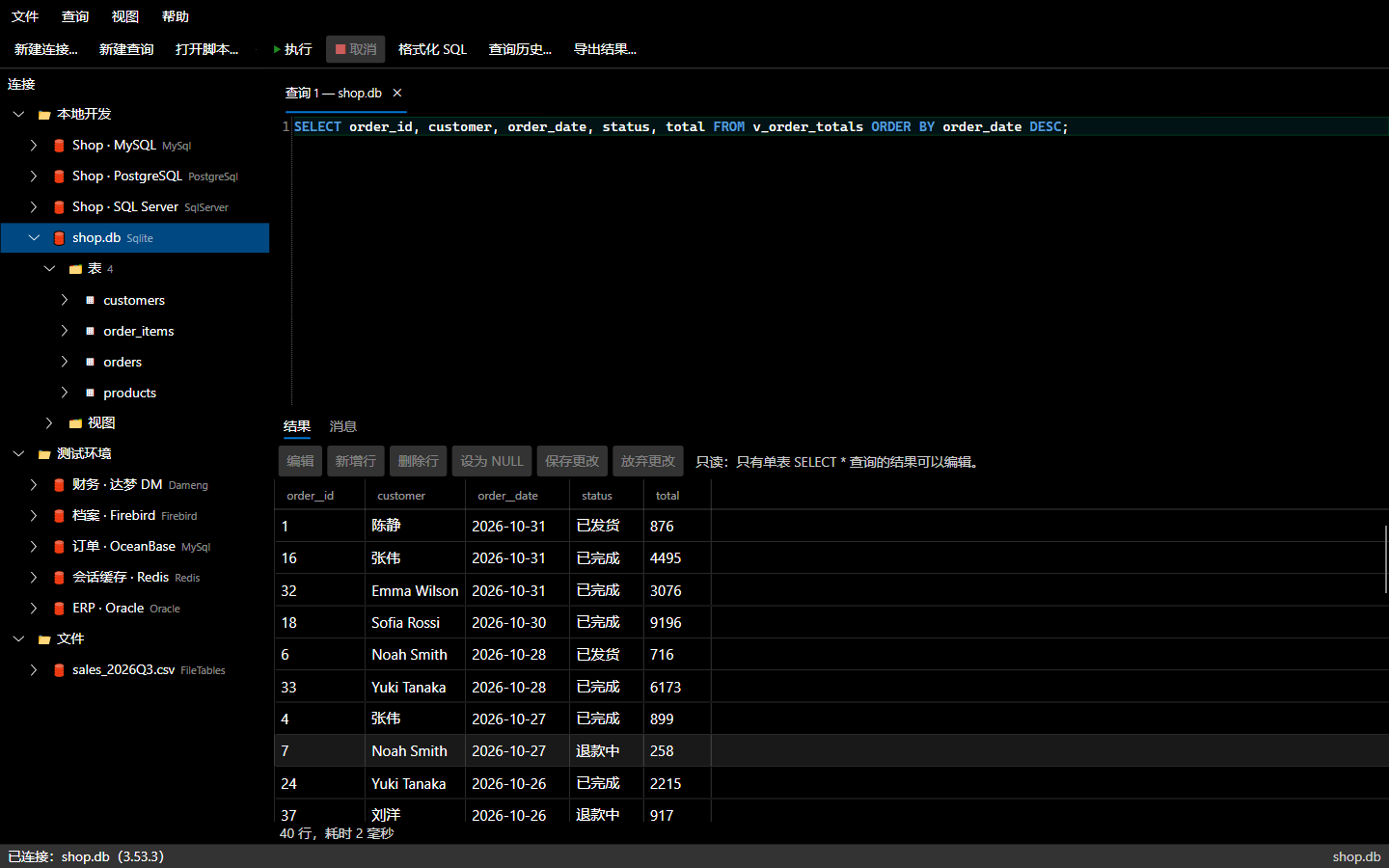
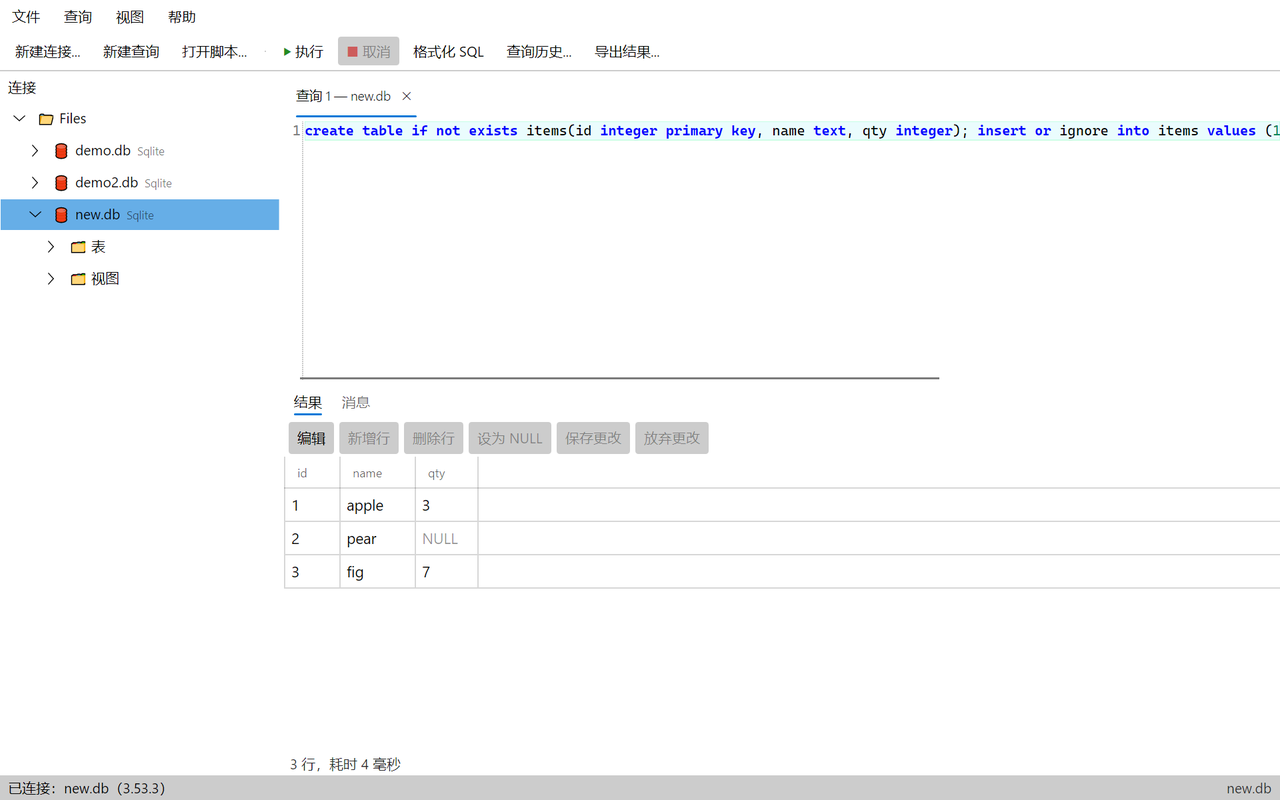
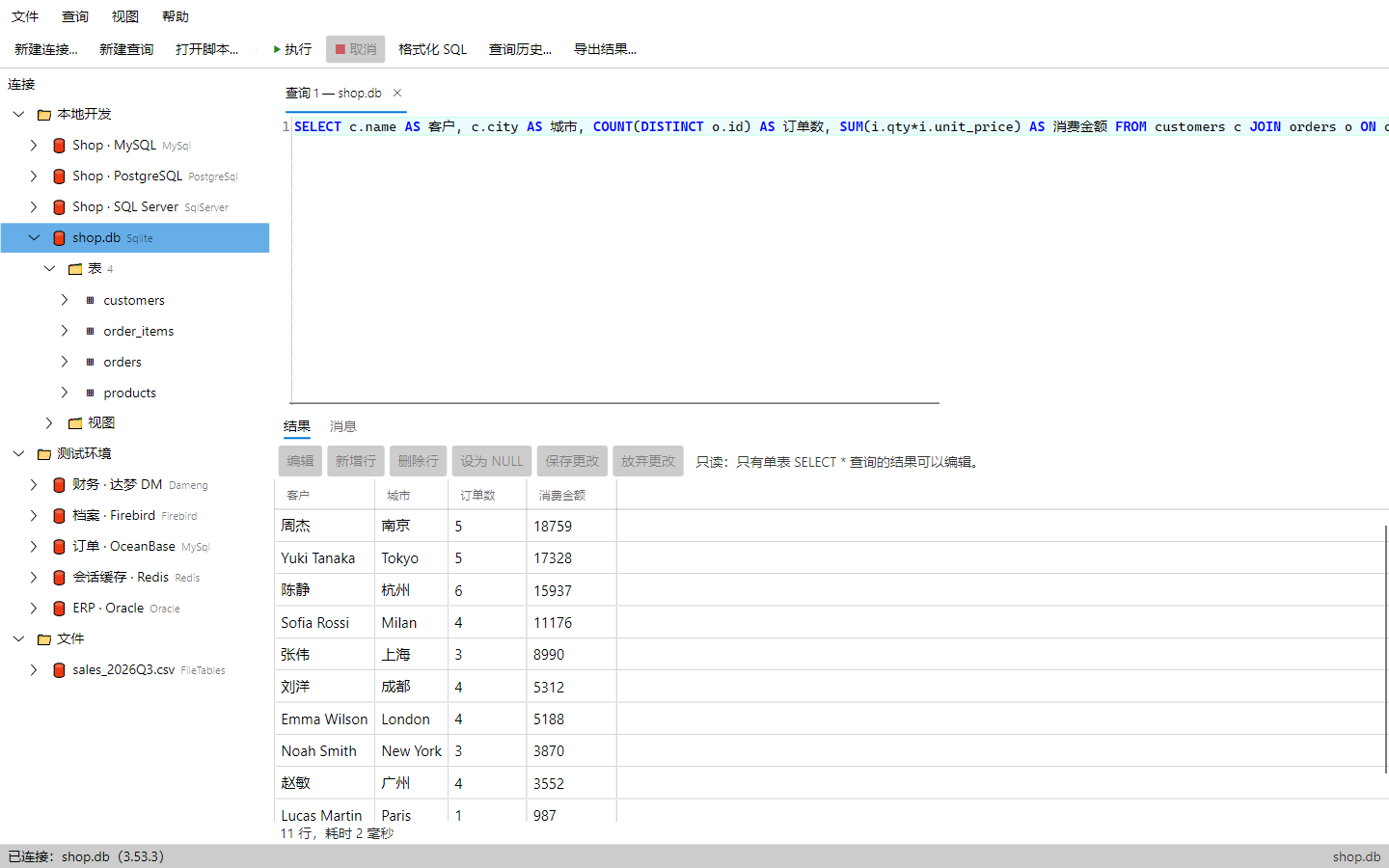
SylATAD main window with grouped connection tree and a SQLite query
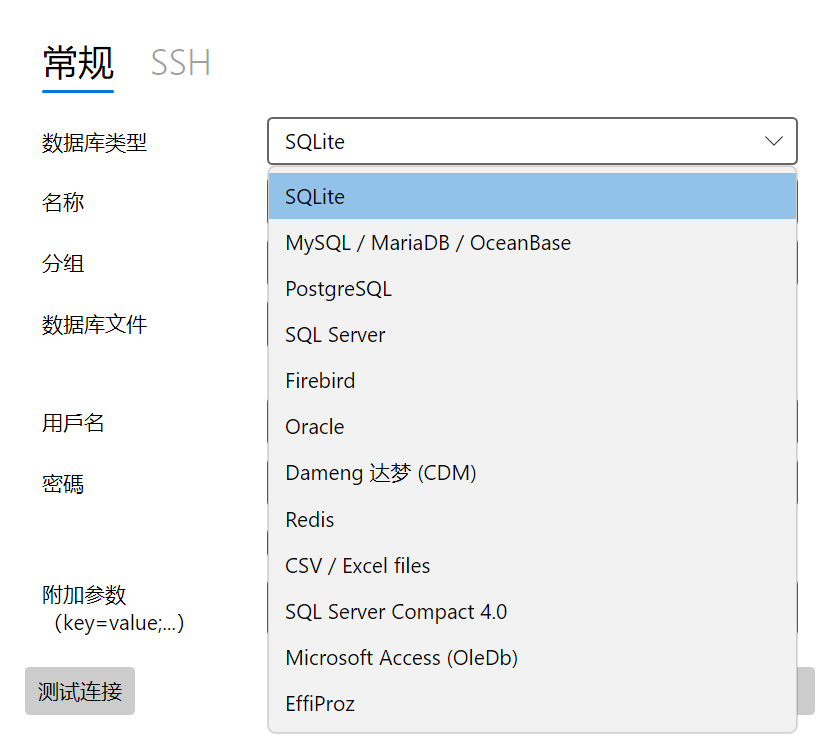
Supported data sources

One client for your databases

  • SQL Server
  • MySQL / OceanBase
  • PostgreSQL
  • SQLite
  • Firebird
  • Oracle
  • Dameng (DM)
  • Redis (read-only)
  • EffiProz (Windows)
  • CSV / TSV / XLSX files
Features

Everything for everyday database work

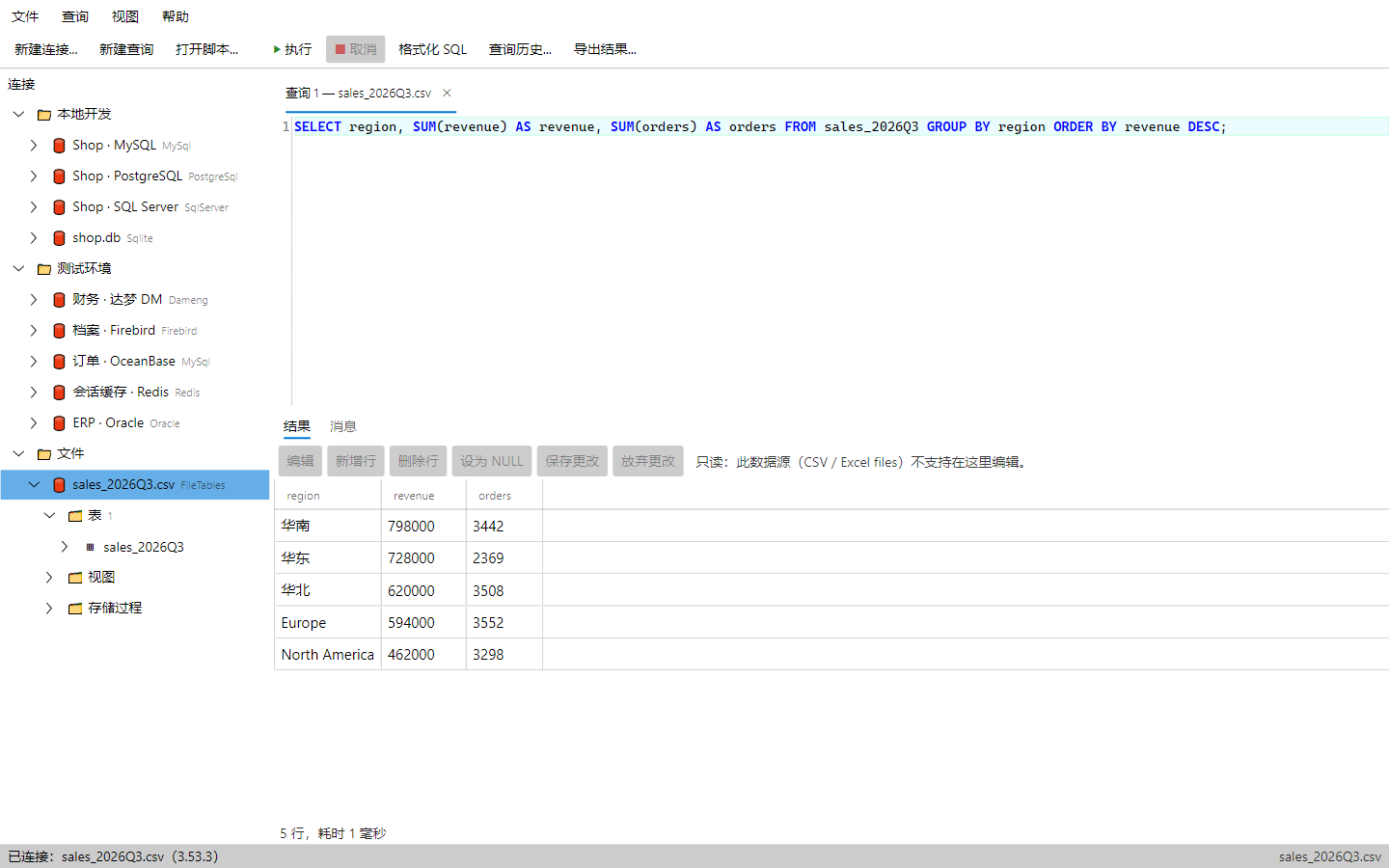
Query files with SQL

Query CSV / TSV / XLSX files with SQL (read-only snapshot; legacy .xls not supported).

Connection management

Create, edit, group, test, import / export connections, and import 1.x connection configs.

Secure by design

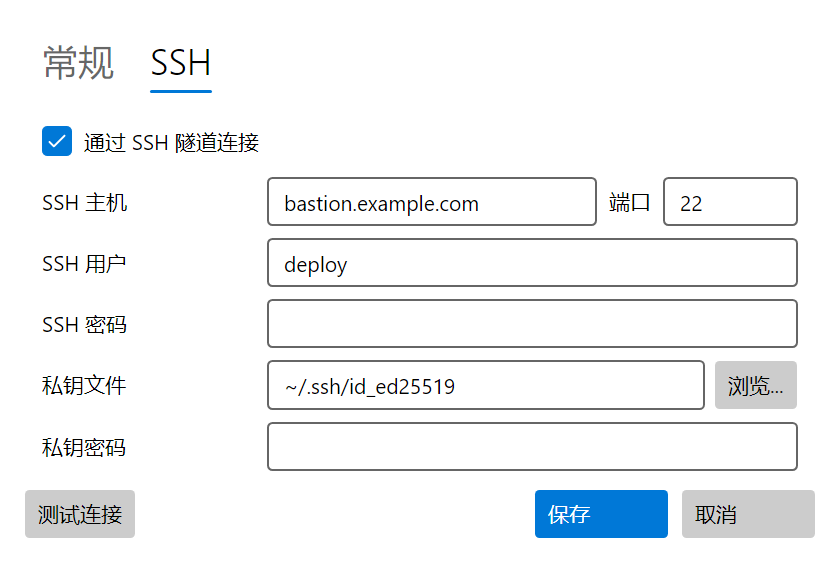
Passwords stored in OS secure storage (Windows DPAPI, macOS Keychain, Linux libsecret); SSH tunnels with password or private key and host key verification.

SQL editor

Run all or selection, cancel, format, query history, open / save scripts.

Editable results grid

Copy and export results. Results of single-table SELECT * can be edited (insert / update / delete) directly, with SQL preview before saving.

Table designer

Create tables, add / edit / drop columns, primary key, nullability and defaults.

Light & dark themes

Light, dark or follow-system themes.

Chinese & English UI

Switch the interface between Chinese and English.
Screenshots

See it in action

Download

Get SylATAD 2.0.0

Requires 64-bit Windows.

Windows x64

Available now

Download (27.4 MB)
Version
2.0.0
File
SylATAD-2.0.0-win-x64-setup.exe
Size
27.4 MB (28,679,400 bytes)
SHA-256
589B8098BE82B6FB6A7A72EFF47CEACF638A8C6CADDF75288D526250199BA3BE
Direct link

macOS

arm64 / x64

Linux

x64

Installation

  1. Double-click the installer. It installs per-user — no admin rights needed.
  2. The desktop shortcut option is checked by default.
  3. The installer isn't code-signed, so Windows SmartScreen may warn. Click More info → Run anyway.

Licensing

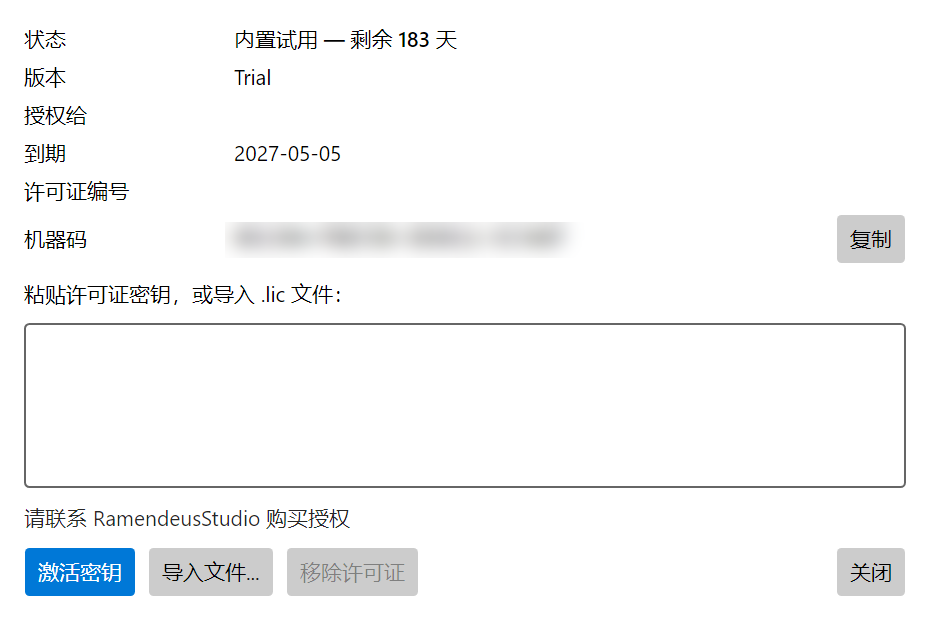
  1. First run starts a free 6-month (183-day) trial with full features.
  2. After it ends, purchase a license bound to the machine: copy the machine code from Help → License and send it to chris@51arena.com.
  3. Import the license code you receive.
Purchase: chris@51arena.com

Notes

  • Native AOT build: no separate .NET install required.
  • SQL Server Compact and Access are not available in the AOT build.
  • File queries (CSV / TSV / XLSX) are read-only snapshots; legacy .xls is not supported.
  • Redis is read-only.